What Is a Dental Monitoring System — and Do You Need One at Home?
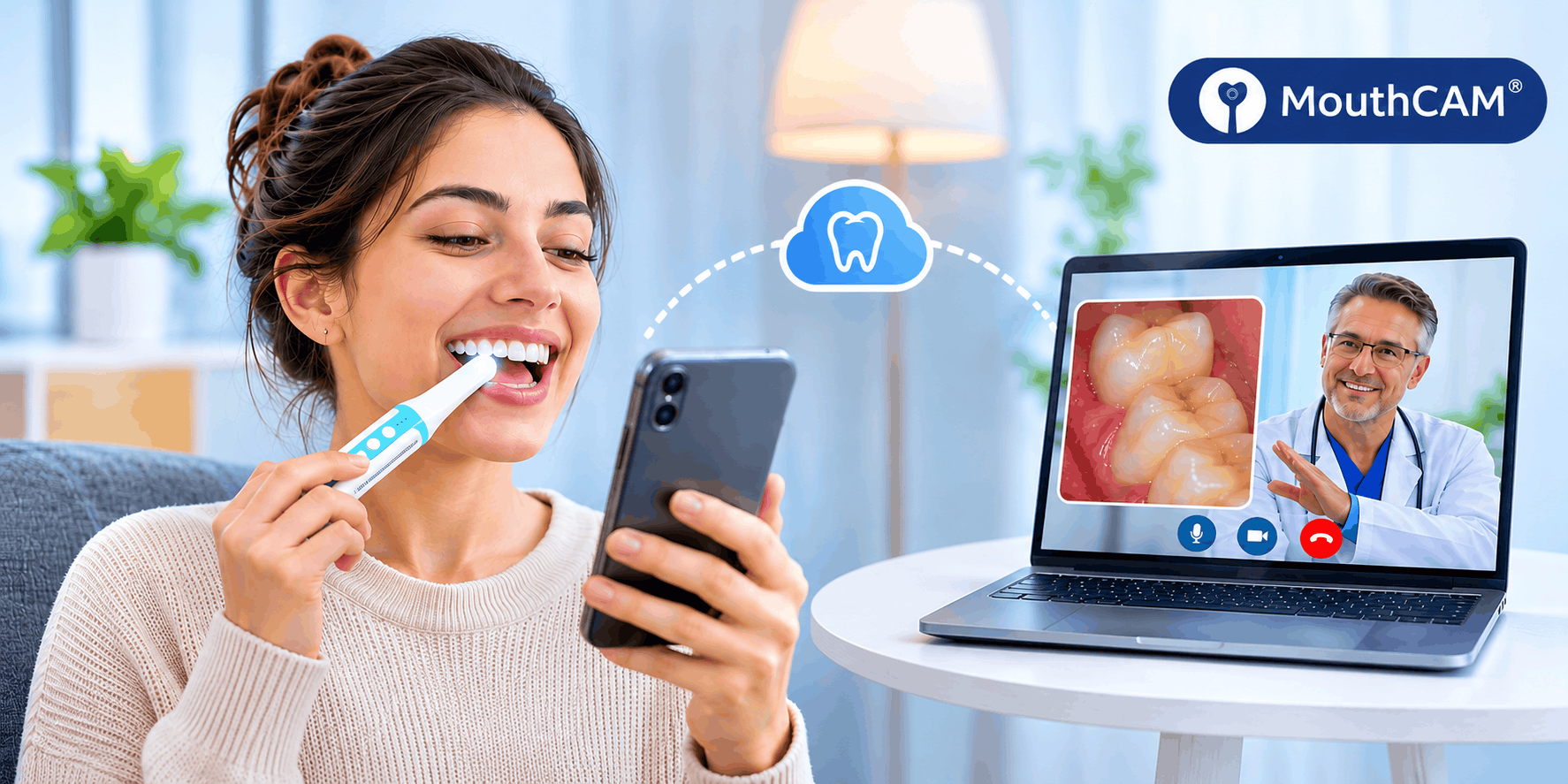
A dental monitoring system is a small intraoral camera paired with a mobile app that lets you take clear photos and videos inside your own mouth, store them, and share them with a dentist without waiting for your next appointment. Think of it as a check-up you can do from your sofa, with a professional reviewing the results remotely.
Most people only see the inside of their mouth twice a year, for a few minutes, under a dentist’s light. A lot can change in the six months in between. Remote dental monitoring closes that gap.
How does a dental monitoring system work?
A home dental monitoring system has three parts:
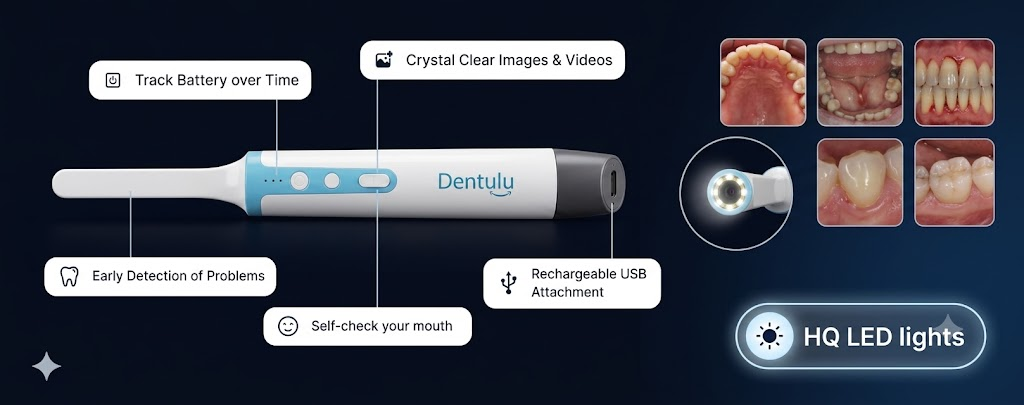
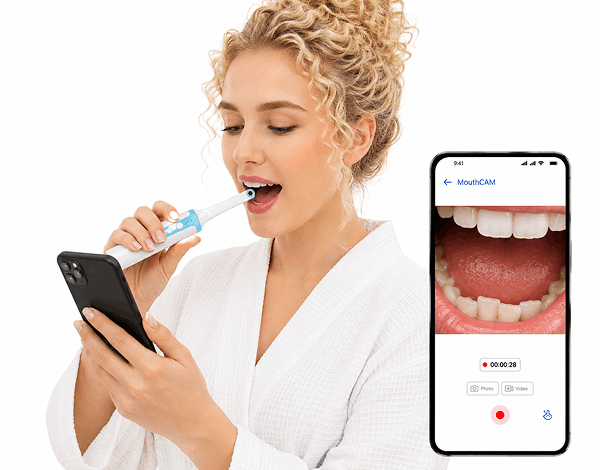
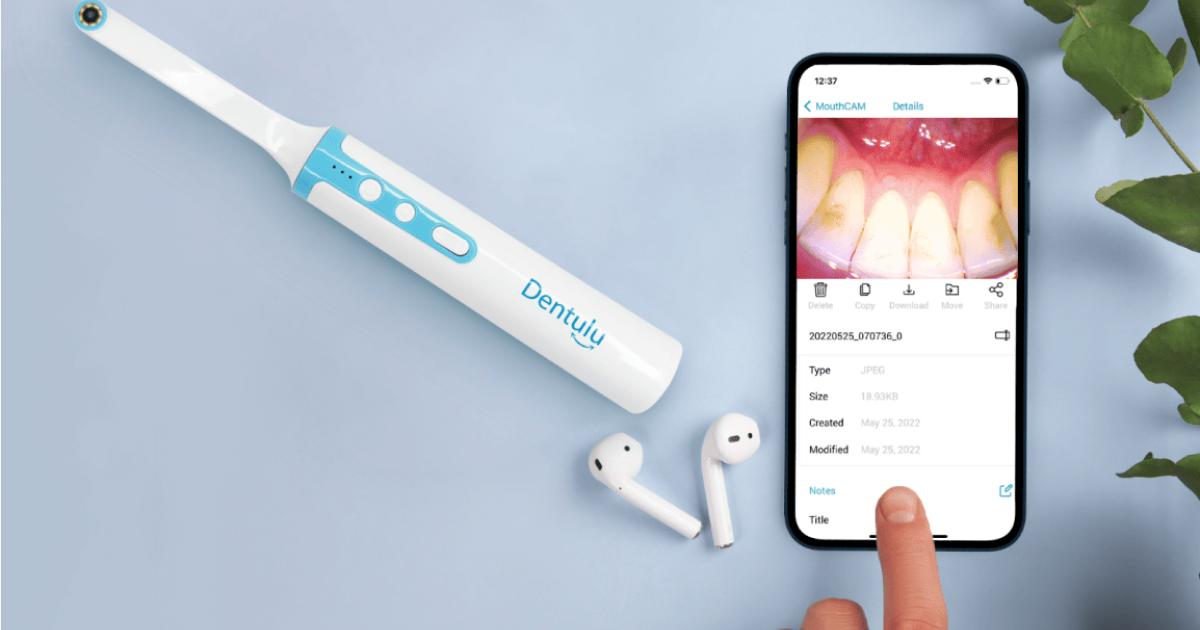
- An intraoral camera. A pen-sized camera with a built-in LED light and a lens small enough to reach your back molars. Wireless models connect to your phone over Wi-Fi; wired models plug into a computer or Android phone.
- A mobile app. The app shows a live view so you can line up the shot, then saves photos and videos to your phone or to secure cloud storage. Over time it builds a visual timeline of your mouth.
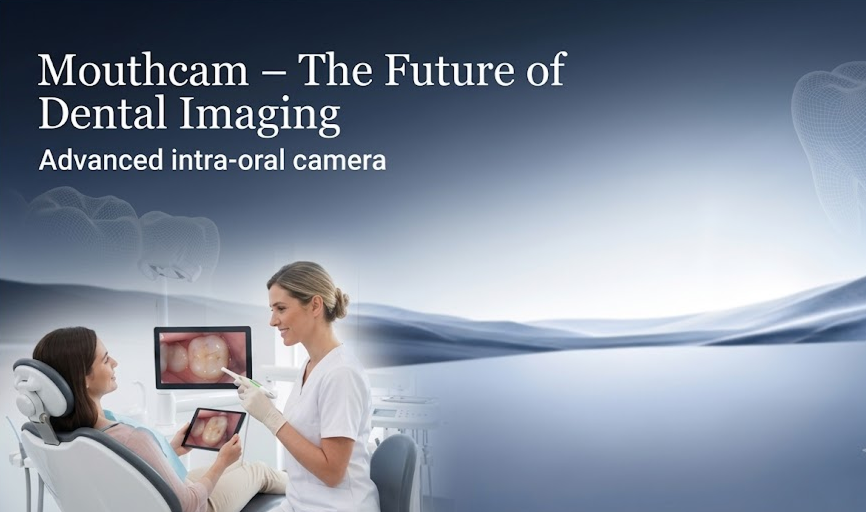
- A dentist on the other end. You share your images with your own dentist, or with a teledentistry service such as Dentulu, for review. The dentist can spot problems, reassure you that nothing has changed, or tell you to book an in-person visit.
The whole process takes about five minutes. No X-rays, no travel, no waiting room.
 What can you actually see with an intraoral camera?
Far more than you can with a bathroom mirror and a torch. With a little practice, home users routinely capture:
- Early cavities — dark spots, chalky white patches and pits in the enamel
- Gum disease — redness, swelling, receding gums and bleeding points
- Cracked or chipped teeth — hairline fractures that are easy to miss by feel
- Failing crowns and fillings — gaps at the edges, discolouration, lifted margins
- Teeth grinding (bruxism) — flattened edges and worn enamel
- Plaque and tartar build-up — especially behind the lower front teeth
- Changes after treatment — healing extraction sites, implant gums, orthodontic progress
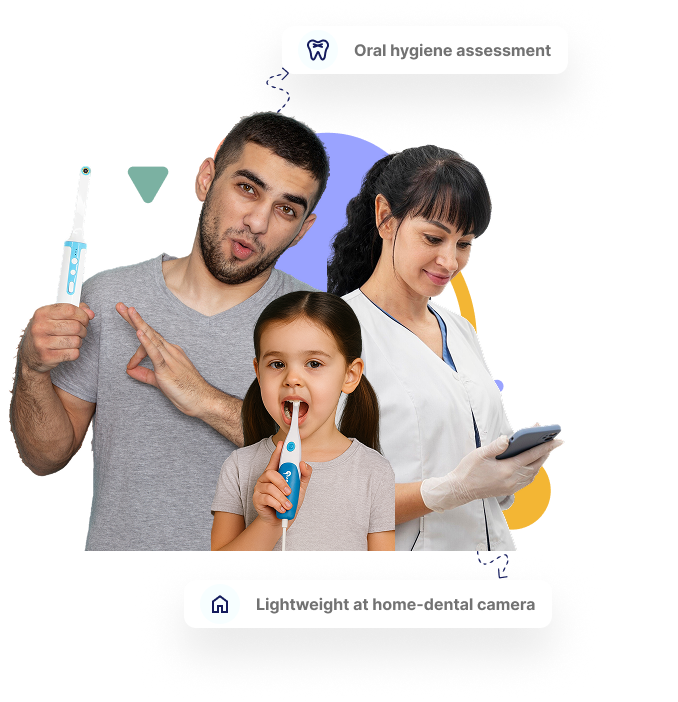
For children, parents use the camera to check tooth eruption, tongue ties, and whether brushing is reaching the molars.
What a home camera can’t do
Honesty matters here. An intraoral camera is not an X-ray. It cannot see decay between teeth, below the gum line, inside a root, or under an existing filling. It also cannot diagnose anything — only a dentist can do that.
What it does is give your dentist eyes on your mouth between visits, so the decision to come in is based on what is actually happening rather than on the calendar.
Who benefits most from remote dental monitoring?
Anyone who gets a sudden toothache. Instead of guessing whether it is urgent, you can photograph the tooth and send it to a dentist for a same-day opinion.
Parents. Children’s mouths change fast. A quick weekly photo catches early decay and tracks loose or erupting teeth without a surgery visit for every worry.
Caregivers of elderly relatives. If you look after an aging parent — especially one with mobility issues or living far away — a monitoring system lets a dentist review their oral health without the stress of transport.
People in remote locations. Military personnel, offshore workers, rural residents and frequent travellers often cannot reach a dentist for months. Remote monitoring keeps a professional in the loop.
Patients in active treatment. Orthodontic patients, people with new implants, and anyone recovering from surgery can send progress photos rather than attending every review in person.
Anyone with dental anxiety. Seeing your own mouth, and getting a calm explanation remotely, makes an eventual appointment far less daunting.
Is a dental monitoring system expensive?
It used to be. Professional intraoral cameras traditionally cost $500 or more and were only sold to clinics. Consumer models such as the MouthCAM wireless intraoral camera now cost less than a basic dental cleaning and a single early catch of a cavity or a failing crown can save several times that in treatment costs.
The teledentistry review itself is typically priced like a short consultation, and many dentists now include remote reviews for their existing patients.
How to get the best results at home
- Rinse first so the lens isn’t fighting food debris.
- Work in a bright room but rely on the camera’s own LED for the shot.
- Follow a fixed route upper right to upper left, then lower left to lower right so every tooth is covered each time.
- Hold still for a second before capturing; blur is the most common problem.
- Photograph the same way every time. Consistency is what makes the timeline useful to your dentist.
- Share, don’t self-diagnose. The value is in the professional review.
So do you need one?
If you see your dentist every six months, have no ongoing problems, and live ten minutes from the surgery, a monitoring system is a nice-to-have.
If you have children, care for an older relative, live or work somewhere remote, are mid-treatment, or simply want to stop guessing when something feels off, it is one of the most useful pieces of health equipment you can keep in a drawer.
Either way, the principle is the same one your dentist has been telling you for years: problems caught early are small, cheap and painless. Remote dental monitoring just makes “early” a lot easier.
Frequently asked questions
Is a dental monitoring system safe to use at home? Yes. The camera is non-invasive — it only takes pictures. Use the hygienic tip covers and clean the camera after each use.
Can I use it on my children? Yes. Many parents use it to check tooth eruption, brushing coverage and early decay. Supervise young children during use.
Does it replace dental check-ups? No. It supplements them. Your dentist still needs to examine you in person and take X-rays periodically.
How do I share photos with my dentist? The MouthCAM app stores images securely and lets you share them directly with your dentist or book a teledentistry consultation through Dentulu.
Wireless or wired which should I choose? Wireless is easier for home use with a phone. Wired models suit computers, clinics and anyone who prefers not to charge a battery.