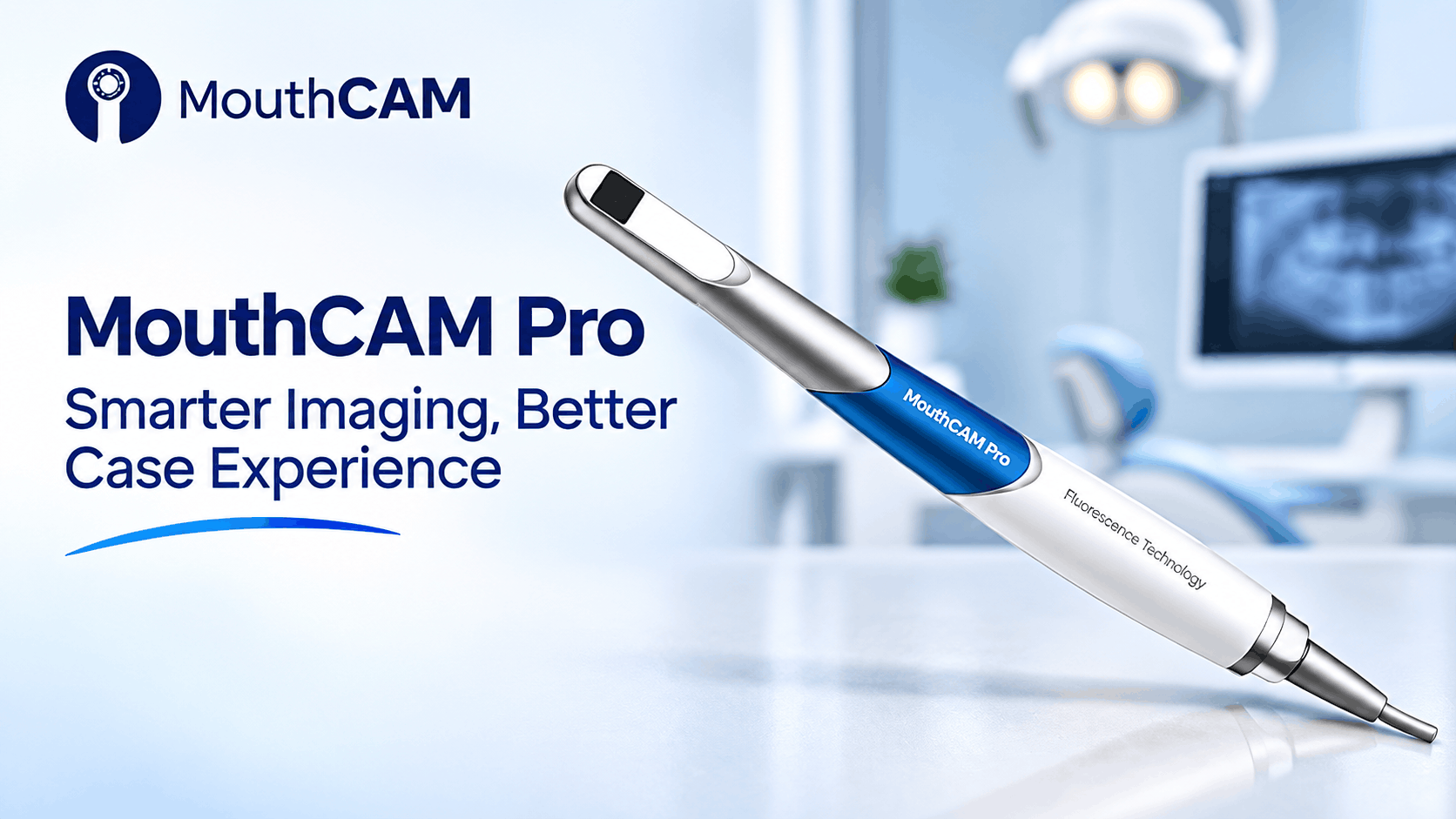
MouthCAM Pro for Dental Professionals: Smarter Imaging, Better Case Acceptance, and a Window Into the Mouth Between Visits
Most of what happens in a patient’s mouth happens when nobody is looking. Between the six-month recall and the next appointment, a post-op site heals or doesn’t, an aligner tracks or drifts, a white-spot lesion stays put or breaks through. The chairside intraoral camera gave dentists a way to show patients what they could see. MouthCAM Pro extends that view in two directions higher-quality imaging in the operatory, and the same images arriving from the patient’s home when the operatory is empty.
This post covers what MouthCAM Pro is, how practices use it, and how the professional and patient cameras work together through Dentulu’s platform.
What MouthCAM Pro is
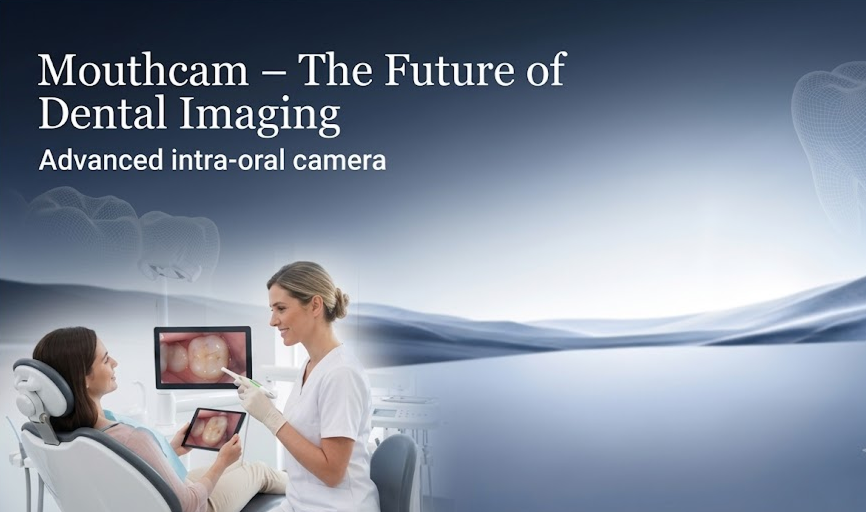
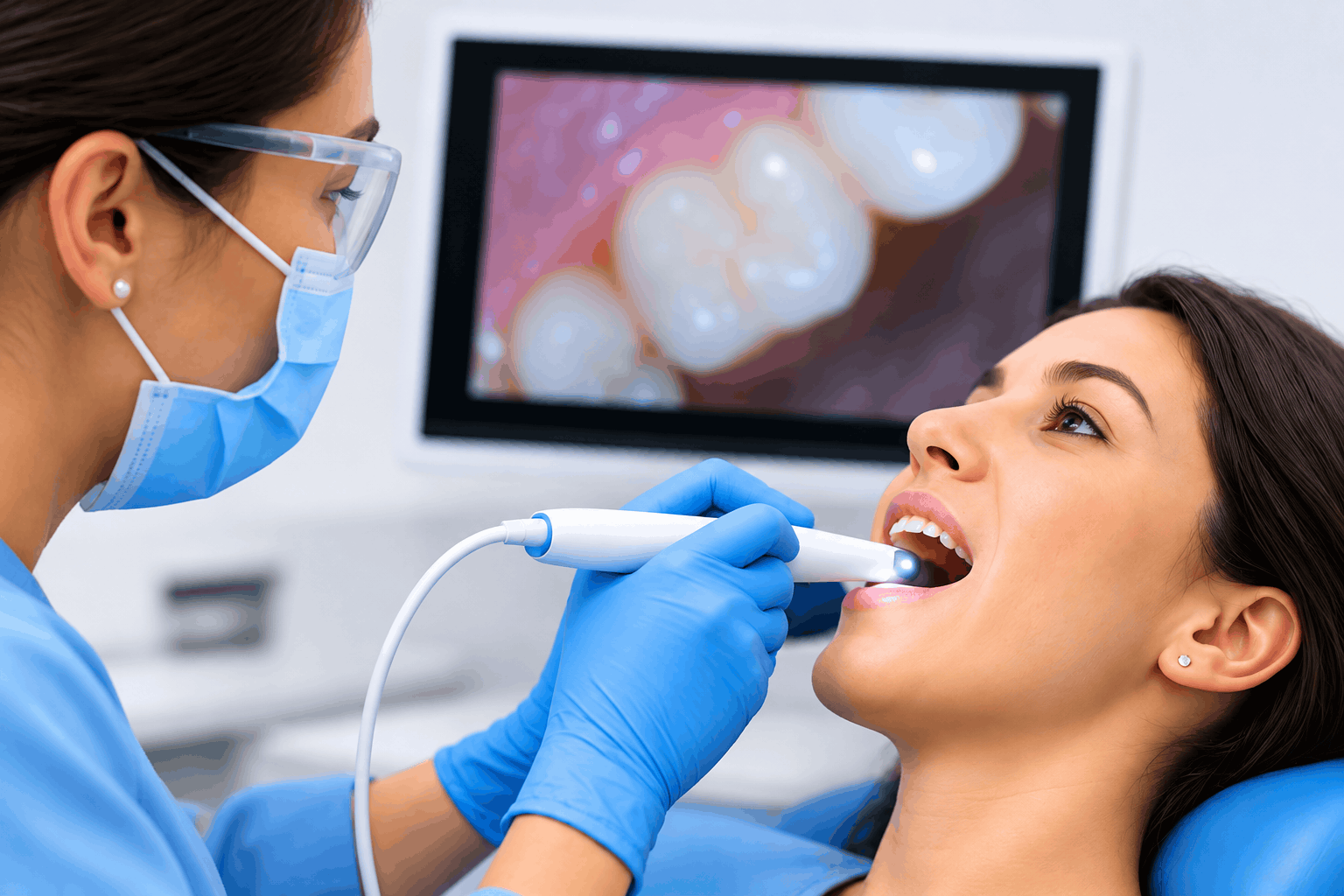
MouthCAM Pro is a lightweight intraoral camera built for clinical use. It connects to phones, tablets, computers and some smart TVs, so a patient can watch the live image on the operatory screen while the clinician explains it. Integrated LED lighting and an autofocus system keep the image sharp without fiddling; the LEDs run white, blue, or alternating white and blue at three brightness levels. The wired professional model ships with a 16-foot USB 2.0 cable carrying data and power, long enough to reach any monitor in the room. A protective sleeve is used over the camera head to reduce contamination between patients.
The fluorescence mode is what sets it apart from a standard chairside camera. Under blue light, healthy enamel and bacterial activity fluoresce differently, which helps surface early change that is hard to see under white light alone. The imaging technology behind it is referenced in more than 250 publications.
MouthCAM Pro is an FDA-registered Class I medical device and is CE certified under MDR 2017/745 as Class I.
Two cameras, one workflow
MouthCAM is sold in two forms, and the distinction matters for how you use it.
- MouthCAM Professional Wired Intraoral Camera the operatory camera, tethered for reliability and resolution.
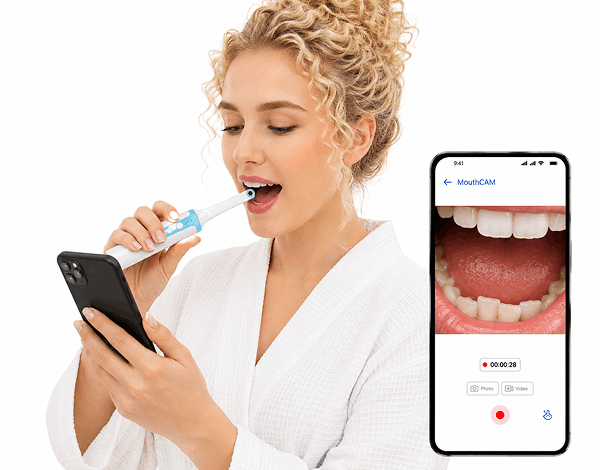
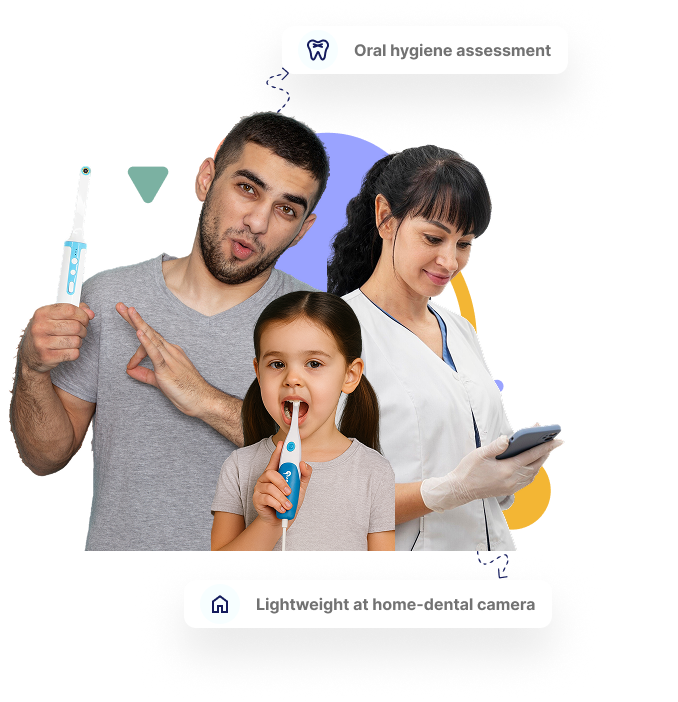
- MouthCAM Patient Wireless Intraoral Camera the take-home model recommended for patients, so they can photograph their own mouth and send the images to you.
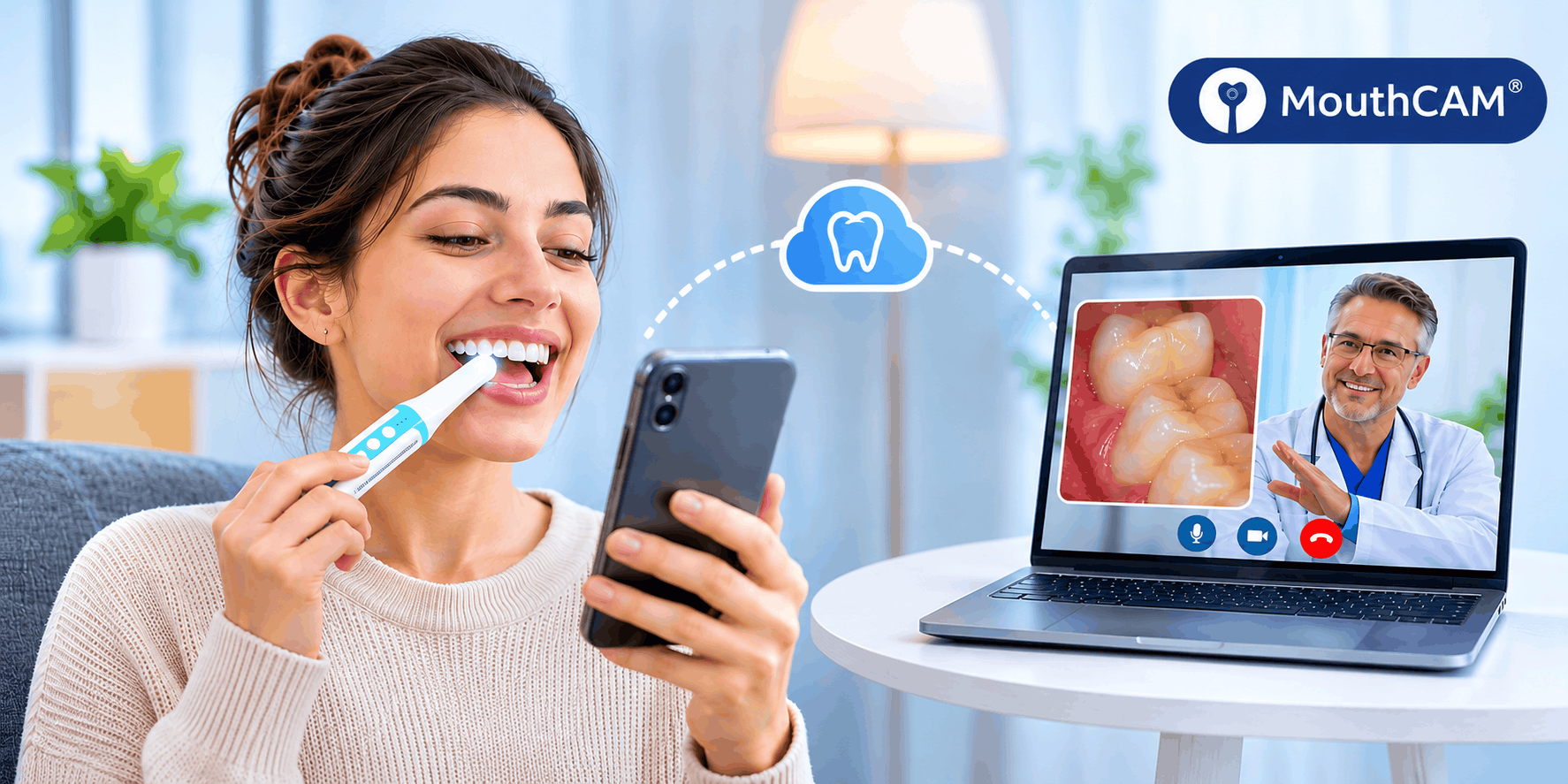
Both upload to Dentulu’s HIPAA-compliant cloud, and you review images through the Dentulu app, the web portal, an SMS link or a unique URL whichever fits how your team already works. The result is one image record per patient that includes both what you captured in the chair and what they captured at home.
How practices use it
Case acceptance. Patients accept treatment they understand, and they understand what they can see. A live, magnified image of a fractured cusp or a leaking margin does more than a verbal description, and the image stays in the record for the patient to revisit when they go home to think about it.
Remote monitoring. After an extraction, an implant placement or a soft-tissue graft, a patient photo at day three and day seven tells you whether the site is healing as expected without a visit for most patients, and with an early flag for the few who need one. Orthodontic and aligner patients can send tracking photos between adjustments.
Virtual consultations. A patient with a new concern can send images before a video consult. You see the problem, triage it, and decide whether it needs a chair which reduces the in-person visits that turn out not to.
Clinical documentation. The page lists the areas where practices rely on it: orthodontics, implants, soft-tissue grafts, oral surgery, extractions, periodontics, oral pathology, cosmetic dentistry and dental emergencies. In each, a dated image is a better record than a note.
Patient communication and compliance. Hygiene instructions land harder when the patient has just seen the plaque under blue light. Sending the image home with them keeps the message alive until the next visit.
What it does for the practice
The benefits compound. Clearer images support better-informed treatment planning. Early detection of caries and other change gives you more conservative options. Remote exams and consultations save chair time, and the monitoring workflow fills the gap between recalls that most practices currently leave empty. And a practice that hands new patients a camera, reviews their photos the same week and shows them their own healing is a practice that gets talked about.
One honest caveat: an intraoral camera does not replace radiographs. It sees surfaces, not what lies between teeth or beneath restorations. Its value is in catching visible change early and in keeping eyes on the mouth between the visits where X-rays are taken.
Teledentistry software included
MouthCAM Pro comes with Dentulu’s teledentistry software, so the camera is not a standalone gadget but the capture end of a virtual-care workflow: patient images in, clinician review, video or photo consultation, prescription where appropriate, and a monitoring plan for what comes next. For practices on DentuluPro, those images land in the same patient record as scheduling, notes and treatment plans, and AI caries detection can flag lesions on MouthCAM images for the clinician to confirm.
Getting started
MouthCAM Pro is available through Dentulu’s professional shop, with the wired professional camera for the operatory and the wireless patient camera for take-home use. Most practices start with one professional camera and a small stock of patient cameras for post-op and ortho patients, then expand as the monitoring workflow proves itself.
See the cameras at mouthcam.com, or talk to the team: support@dentulu.com · 888-905-0226.